Build story
flstudio-mcp-mac: giving Claude hands on a DAW
The problem
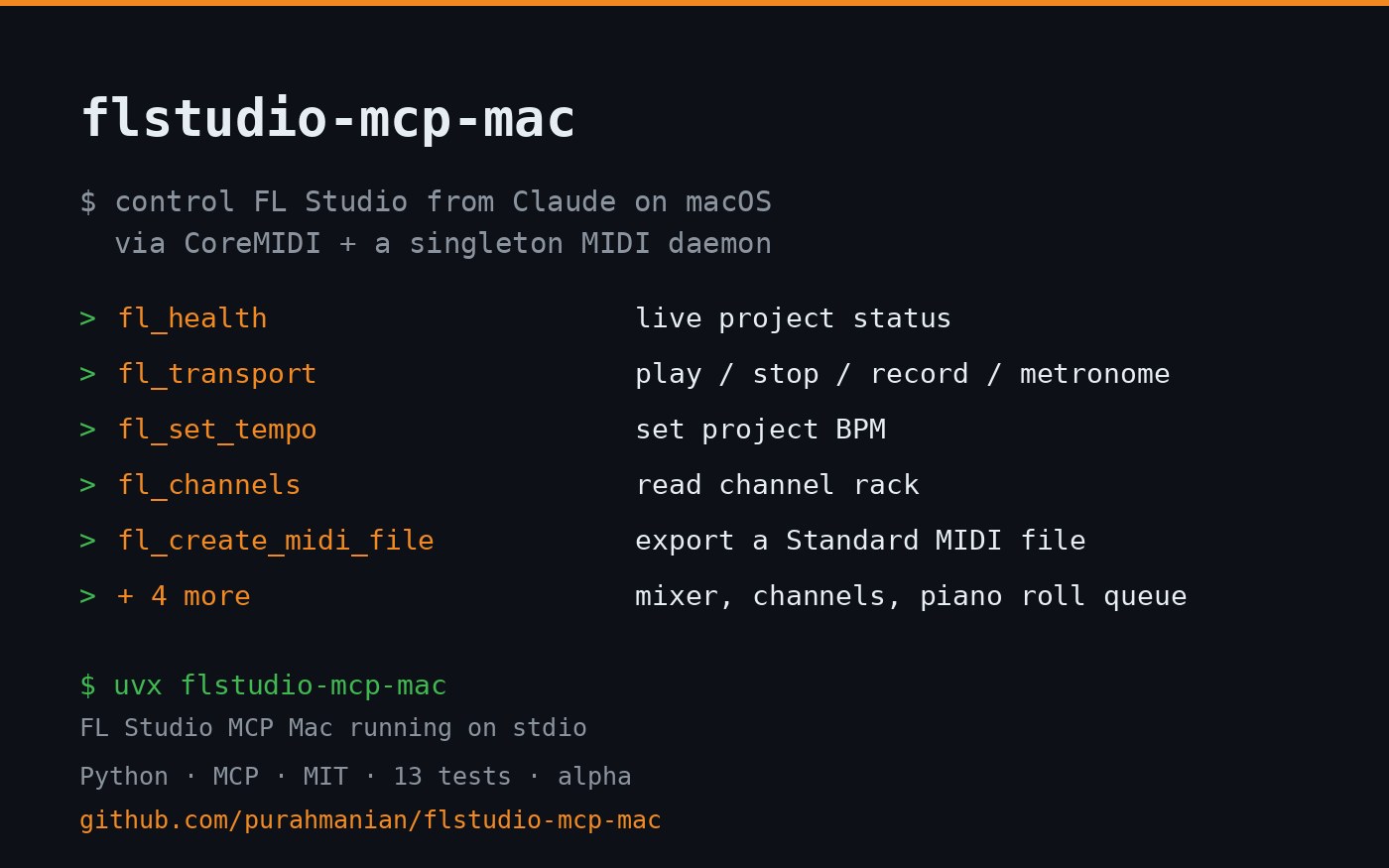
Most FL Studio automation work is Windows-oriented. On macOS, FL Studio exposes a Python MIDI scripting API and the OS has a clean CoreMIDI path for virtual ports. That is enough surface to let an AI assistant drive a session: change tempo, run transport, read and tweak the mixer and channel rack, and place notes in the Piano Roll. Nobody had wired it to the Model Context Protocol, so I did.
What I built
An MCP server, packaged for both PyPI and one-click Claude Desktop install, plus the companion FL Studio scripts. It exposes nine tools: health and live status, transport (play, stop, record, song/pattern mode, metronome), tempo, mixer reads and mutations, channel rack reads and mutations, Standard MIDI file export, and a Piano Roll note queue that an included script applies as persistent notes.
The server talks to FL Studio over macOS virtual MIDI ports, encoding JSON commands as base64 over MIDI control-change frames, since MIDI is the channel FL Studio’s scripting API actually listens on.
The hard part
The first design had every client process open its own MIDI ports, which left duplicate FLStudioMCP Request/Response endpoints in CoreMIDI and confused FL Studio’s controller mapping. I reworked it around a singleton local daemon: the first client to start owns one stable port pair, and Claude Desktop, Claude Code, and terminal tests all share it. Tests run against a deterministic in-memory mock so the protocol layer is verified without FL Studio in the loop.
Where it is
Live-validated against FL Studio 2025 on macOS: health, tempo, transport, channel and mixer reads and writes, MIDI export, and the Piano Roll queue all verified end to end over the real CoreMIDI bridge. The validation pass even caught a real bug, a tempo call that sent raw BPM where FL expects milli-BPM through a REC event, fixed in v0.1.2. Built on the same zero-ops, open-source model as the rest of my MCP work: no telemetry, no network, everything runs locally.